


- What is it
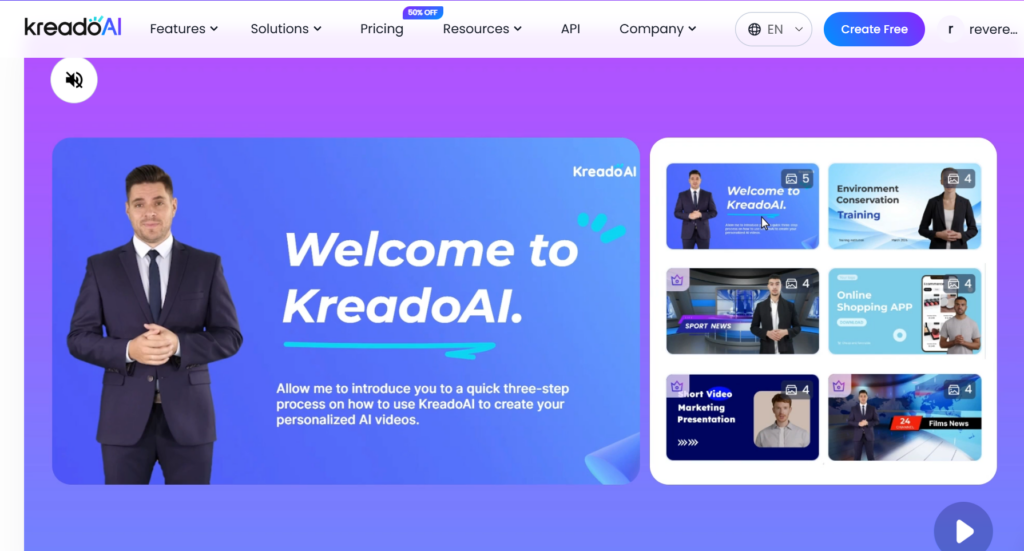
Kreado AI is a cloud application for automated generation of creative content (especially images and designs) using artificial intelligence. It focuses on quickly creating visuals for marketing, social networks, banners, product mockups and other graphic outputs without the need for advanced knowledge of graphic editors. - Main functions
- Generating images from text input (text-to-image) with support for various styles.
- Templates for social networks, posters, banners, business cards and other marketing materials.
- Ability to edit generated designs (simplified editing — redrawing, changing colors, adding text).
- Batch generation of variants for quick selection.
- Export to common formats (PNG, JPG, sometimes also vector or PSD depending on the plan).
- Some plans may offer a brand kit (saving colors, fonts, logos) for consistent outputs.
- User Interface and Workflow
- Intuitive web interface with templates for both non-technical and experienced users.
- Fast iterations: enter a prompt, choose a style, generate multiple variants — select and edit.
- Tools for setting resolution, aspect ratio and exporting for different platforms (Instagram, LinkedIn, web).
- Less robust than professional graphics programs, but very effective for fast content production.
- Output quality
- Suitable for marketing visuals, illustrations and social content — often of sufficient quality for online use.
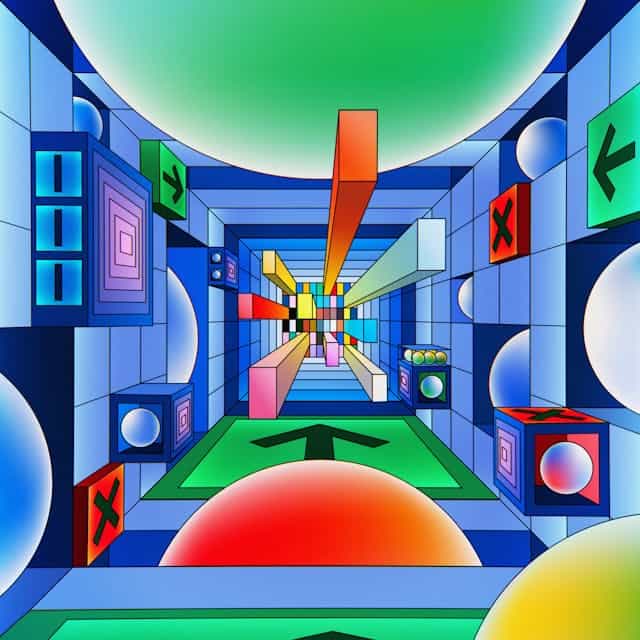
- Warning: complex scenes with precise perspective, human faces in detail or text in the image may suffer from errors (e.g. illegible text, anatomical inconsistencies).
- Style variability: good for different art styles (flat design, illustration, photorealism), depends on the engine and prompt settings.
- Pricing and plans
- Typical model: free trial plan with limited credits/variants; paid monthly/annual plans for higher quotas, higher resolution, and commercial use.
- Paid plan required for professional deployment (brand kit, team collaboration, higher limits).
- Strengths
- Speed: ability to create dozens of designs in a short time.
- Ease of use: templates and simple UI will speed up the work of marketing teams and small businesses.
- Cost-effective for online content compared to hiring a graphic designer for each minor edit.
- Batch generation and saved template options for repeated campaigns.
- Limitations and risks
- Legal and ethical issues: depends on training data sources; for commercial use, check terms of service for rights and licenses to outputs.
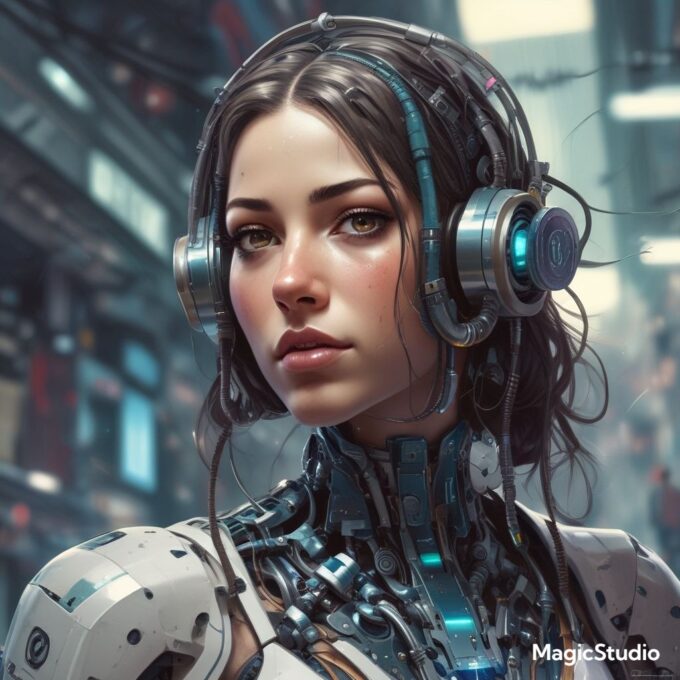
- Quality of detail: issues with text in the image, hands, and faces may require post-processing in an external editor.
- Designs can be generic — require strong prompt-design and sometimes manual fine-tuning for a unique visual identity.
- Possible need for a human graphic designer for final production materials (print, large billboards, complex UX elements).
- Recommendations for use
- Use for social media content creation, quick marketing tests, concept designs, and visual A/B testing.
- For final materials intended for print or for brands with a professional identity, I recommend exporting the design and fine-tuning in a graphics editor (Photoshop, Illustrator) or engaging a graphic designer.
- Before commercial deployment, check the licensing terms and any attribution/disclaimer requirements.
- Conclusion
Kreado AI is a useful tool for fast and efficient visual content generation, especially for marketing teams and small businesses that need frequent and fast content. It does not replace a fully experienced graphic designer for complex or highly stylized projects, but it will significantly speed up the concepting and production of regular campaigns.
Try the KreadoAI app for free by clicking the button below!

















Leave a comment