

Devi AI is a smart app focused on creating and editing images using artificial intelligence. Here’s an overview of its key features, strengths, and areas where it could be improved.
Purpose and main functions
Purpose and main functions – Generate images from text descriptions (text-to-image): The user enters a description of the scene, style, or mood, and the application creates a corresponding visual. – Edit existing images: Ability to retouch, change the background, add or remove objects, and stylize photos. – Various styles and presets: Offers filters and artistic styles (realistic, painterly, illustrative, etc.) that make it easy to achieve the desired result. – User interface: Usually simple and intuitive with step previews and options to undo changes.
Artificial intelligence is not just a tool—it is a new window into possibilities that turns everyday tasks into opportunities to create, learn, and grow together.
Zdenek Kocka
Strengths
Strengths – Speed and accessibility: It often takes just seconds to minutes to create a basic image, which is practical for quick ideas and concepts. – Output quality: In many cases, it delivers impressive, visually appealing results, especially when given a clear and specific assignment. – Flexibility: Suitable for a variety of purposes—from social media to marketing to personal projects or inspiration for artists. – Style variability: A rich selection of styles and presets makes it easy to experiment with aesthetics without the need for advanced skills in graphics programs.
Weaknesses and limitations
Weaknesses and limitations – Accuracy and detail: In complex or highly specific scenes, AI can generate parts that look unnatural (e.g., deformed hands, inconsistent textures, missing details). – Authenticity and originality: Outputs can carry traces of training data and sometimes resemble existing works; for professional projects, originality needs to be carefully assessed. – Ethics and rights: There are questions about copyright, use of training data, and responsibility for generated content, especially with realistic human portraits. – Limited editing capabilities: Some details can be difficult to fine-tune without repeated attempts or manual intervention in a graphics editor.
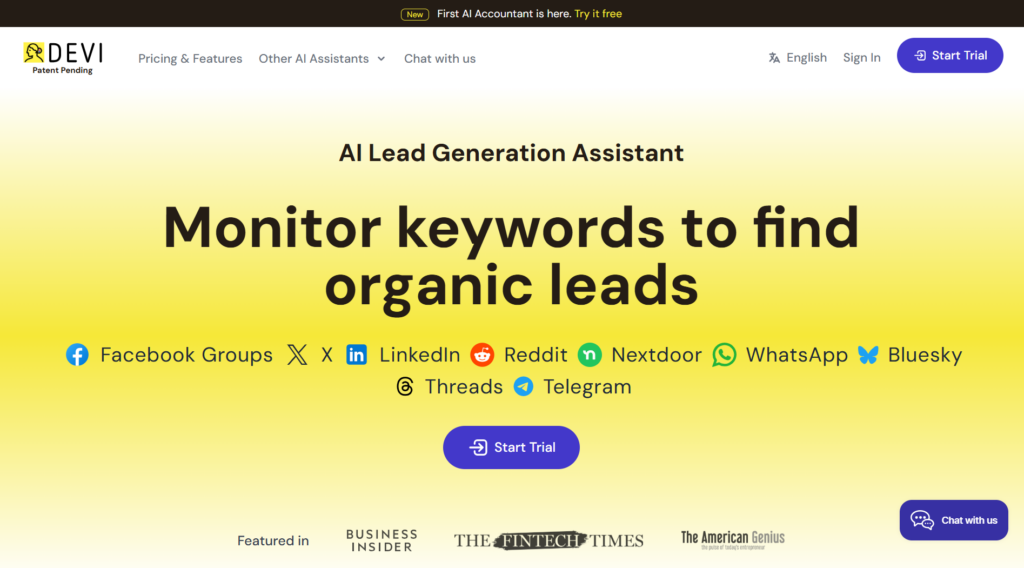
User experience
Devi AI’s user experience is friendly to both beginners and advanced users. The prompt entry process is usually straightforward: a text field for a description, a choice of style, or a slider for the intensity of the effect. For more advanced work, options are available to control the generation seeds, image size, or export in various formats. The user community and gallery of shared creations often serve as inspiration and a source of prompts.
Practical tips
Practical tips—Formulate the prompt clearly and specifically: specify the desired style, colors, composition, and atmosphere. – Experiment with prompt variants and parameters (e.g., resolution or style). – Use post-processing in a graphic editor to fine-tune minor flaws. – Follow the application’s usage guidelines and copyright rules.
Conclusion Devi AI
Conclusion Devi AI is a powerful tool for rapid visual content creation with a good balance between quality and ease of use. It is suitable for creators, marketers, and hobbyists who want to visualize ideas quickly. However, for professional use, it is important to consider the limitations in detail accuracy and questions regarding rights and ethics. Overall, it offers a good introduction to the world of generative art and is worth trying.














Leave a comment